01
Establish the problem
Cities do not experience heat evenly.
Article-aware AI image generation
Turn a finished article into a coherent visual story. NarraTwin reads the full structure, plans the moments worth illustrating, and keeps your visual twin recognizable from the opening image to the final takeaway.
Free article image planner
Runs in this browserIllustration structure
Character memory
Visual twin · locked
Cities do not experience heat evenly.
A walk beneath mature trees can feel dramatically cooler because shade interrupts that cy…
The most useful climate solutions are often visible in the places where people already li…
This lightweight planner demonstrates how an article can become a visual sequence. It works locally and does not call an AI model. Sign in only when you are ready to analyze a complete article, confirm the illustration plan, and generate images with your saved visual identity.
From article to illustration set
A useful AI blog image generator should understand what the article is doing before it creates a single frame. NarraTwin separates identity, reading, planning, and generation so you can review the reasoning at every step.
Start from a small set of authorized portraits or an existing character design. Review the full-body Hero and lock the identity that future article illustrations should preserve.
Paste the finished long-form source. NarraTwin maps its sections and reading structure so image ideas come from the actual argument instead of an isolated sentence.
Inspect the key ideas, source positions, and visual intent before generation. Keep, edit, or reject the proposed anchors while they are still a plan.
Create each scene with the same frozen character version and visual language. Retry one image, compare versions, and preserve every frame that already works.
Why article context changes the result
Most image tools treat every prompt as a fresh start. That can produce attractive individual pictures, but it rarely produces a sequence readers recognize as one authored article.
Each image sees only its own prompt, so repeated ideas and missing transitions are easy to overlook.
The person, clothing, proportions, and visual style can drift between scenes.
A retry often replaces the whole result without preserving a useful version history.
Cover images may look polished while the rest of the article remains visually disconnected.
The complete article establishes hierarchy, sequence, and the ideas that actually deserve an image.
A confirmed visual twin gives every illustration the same recognizable identity foundation.
Each scene keeps independent versions, so revision does not destroy the rest of the set.
Selected originals export together as a coherent illustration series ready for layout.
Built for consistent visual publishing
The best AI blog image generator is not the one that makes the most images. It is the one that helps a creator make fewer, more deliberate images that support the reading experience.
Your visual twin is confirmed before article production begins. Every scene references that frozen identity rather than improvising a new person from a text description.
NarraTwin looks for cognitive anchors: moments where an illustration can clarify a mechanism, show a contrast, carry an emotion, or help a reader remember the point.
Regenerate or redirect one illustration without restarting the article. Compare attempts, choose the strongest version, and keep approved scenes untouched.
Download the selected full-resolution originals as a set. You stay in control of which versions leave the private workspace and enter your publishing workflow.
One article · one visual language
A strong illustrated article uses images to move the argument forward. These frames establish the problem, reveal the contrast, and finish with a practical visual takeaway while preserving the same central character.
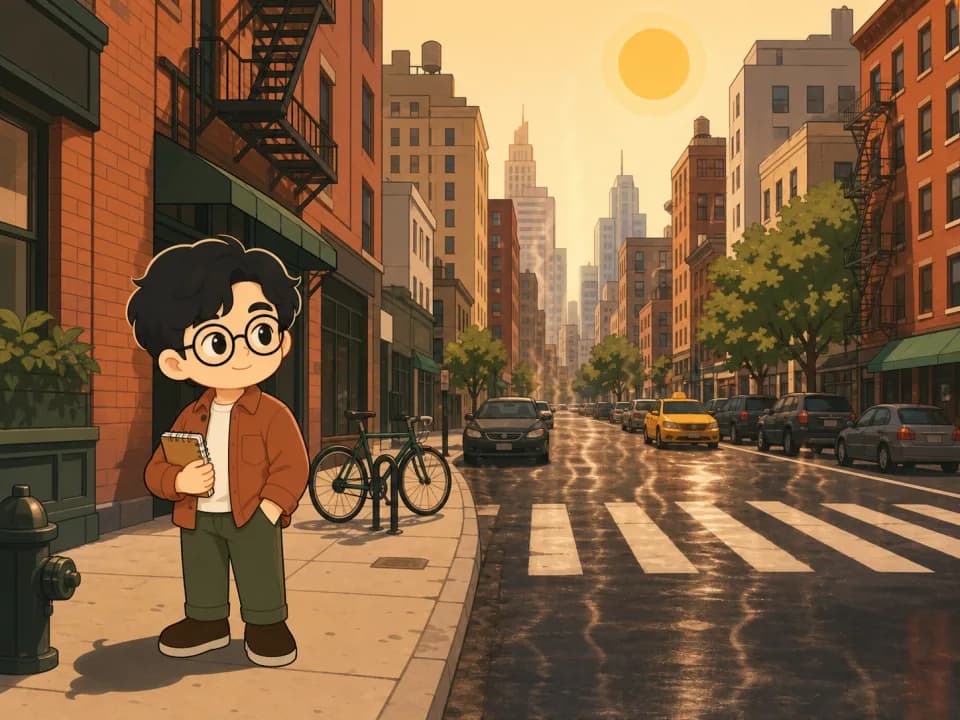
Anchor 01 · opening context
The first AI blog image establishes the environment and gives the reader a concrete problem to carry into the article.
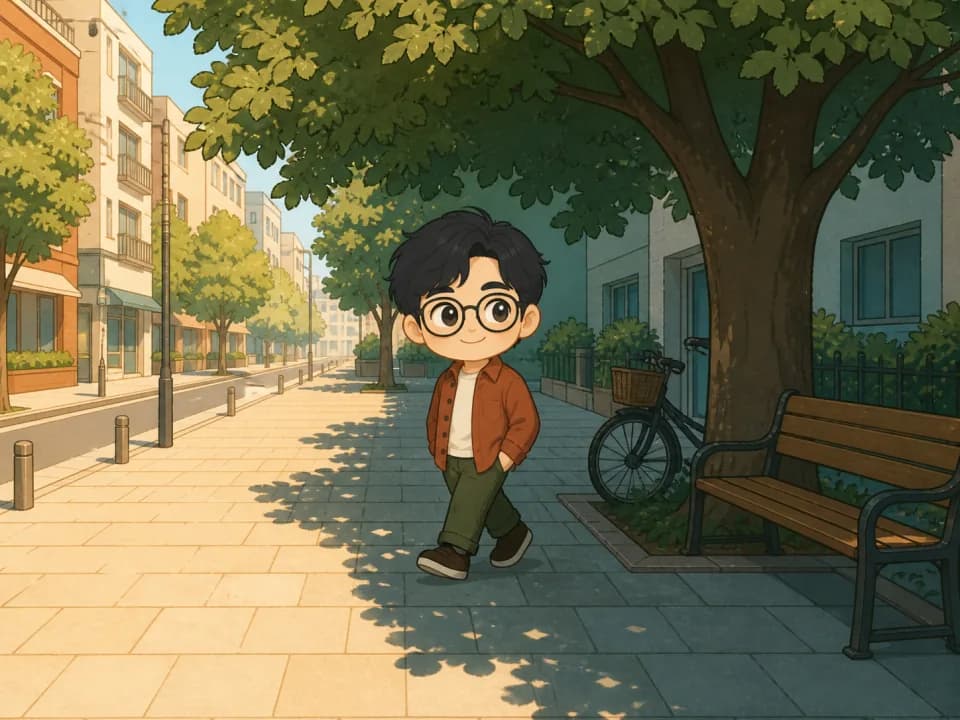
Anchor 02 · core contrast
The second frame makes the article's central contrast visible while keeping the same person, outfit, and editorial style.
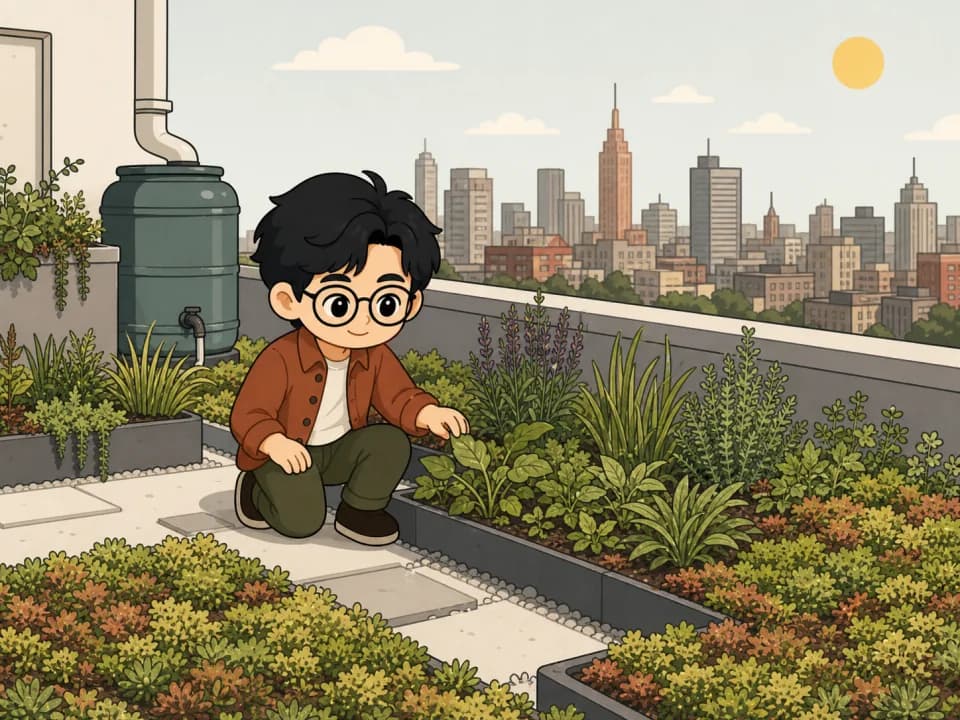
Anchor 03 · practical takeaway
The closing image gives the conclusion a memorable action rather than decorating the final paragraph with an unrelated stock image.
Made for long-form creators
NarraTwin works best when an author has something structured to say and wants the images to feel authored too—not when the goal is simply to generate random artwork.
Give recurring readers a recognizable visual identity across issues without re-inventing the art direction each week.
Bring the person behind the writing into tutorials, reflections, travel notes, and opinion pieces with consistent article illustrations.
Convert mechanisms, comparisons, and abstract concepts into a planned visual sequence that follows the lesson.
Use the same narrator-character to inspect products, places, methods, or experiments across multiple scenes.
Build a coherent visual narrative around decisions, setbacks, and product lessons while keeping the founder recognizable.
Create a durable set of section illustrations that supports scanning, recall, and later updates to a long resource.
Choosing an AI blog image generator
A single impressive sample does not tell you whether a tool can support a full article. Evaluate how it handles context, consistency, revision, and ownership before building it into your publishing routine.
Article images should respond to the source hierarchy, not merely repeat the title. Look for a workflow that can inspect the complete draft, identify distinct ideas, and show where each proposed image belongs.
Character consistency is more than a similar face. Proportions, hair, clothing, accessories, and visual construction should remain stable as the environment and action change.
A useful production tool keeps approved work safe. Independent scene history lets you adjust one weak image, compare alternatives, and return to an earlier version without rebuilding the entire article.
Check resolution, export control, privacy, and the ability to select final versions. Your AI blog images should leave the generator as an intentional set, not as a folder of unlabeled experiments.
AI blog image generator FAQ
Straight answers about article analysis, consistent characters, planning, generation, privacy, and output.
An AI blog image generator creates visuals intended for articles rather than isolated artwork. NarraTwin goes further by reading the complete article structure, proposing reviewable illustration anchors, and generating a connected image set with one confirmed visual identity.
Yes. You first build and confirm a visual twin from authorized reference material or an existing character design. That frozen character version becomes the identity foundation for every illustration in the article, helping facial features, proportions, outfit decisions, and visual language remain coherent.
No. NarraTwin is designed for creators who already have a finished or substantially complete article. It preserves your source, maps its structure, and helps turn the ideas you wrote into an illustration plan. It does not replace your voice with generated filler.
Yes. The article is analyzed into cognitive anchors before illustration generation. You can review the source position, core idea, and visual intent, then confirm the plan only when it represents the article accurately. Billable AI actions show their credit cost before they run.
Yes. Each illustration is an independent, retryable item with its own version history. You can redirect one scene, compare the new attempt with earlier versions, and keep every other approved image unchanged.
Your article source and identity references remain in a private authenticated workspace. Assets use time-limited access and are sent to the configured model provider only when the requested analysis or generation step needs them. The planner on this public page runs locally in your browser and uploads nothing.
Your next illustrated article
Bring a finished article to NarraTwin, review the moments worth illustrating, and create a consistent image set that feels like part of the writing—not decoration added afterward.
Create article images