How to Create Consistent Characters with AI for Blog Illustrations
A tested five-step workflow for keeping one AI character recognizable across multiple blog illustrations, including prompts, results, costs, and one revision.
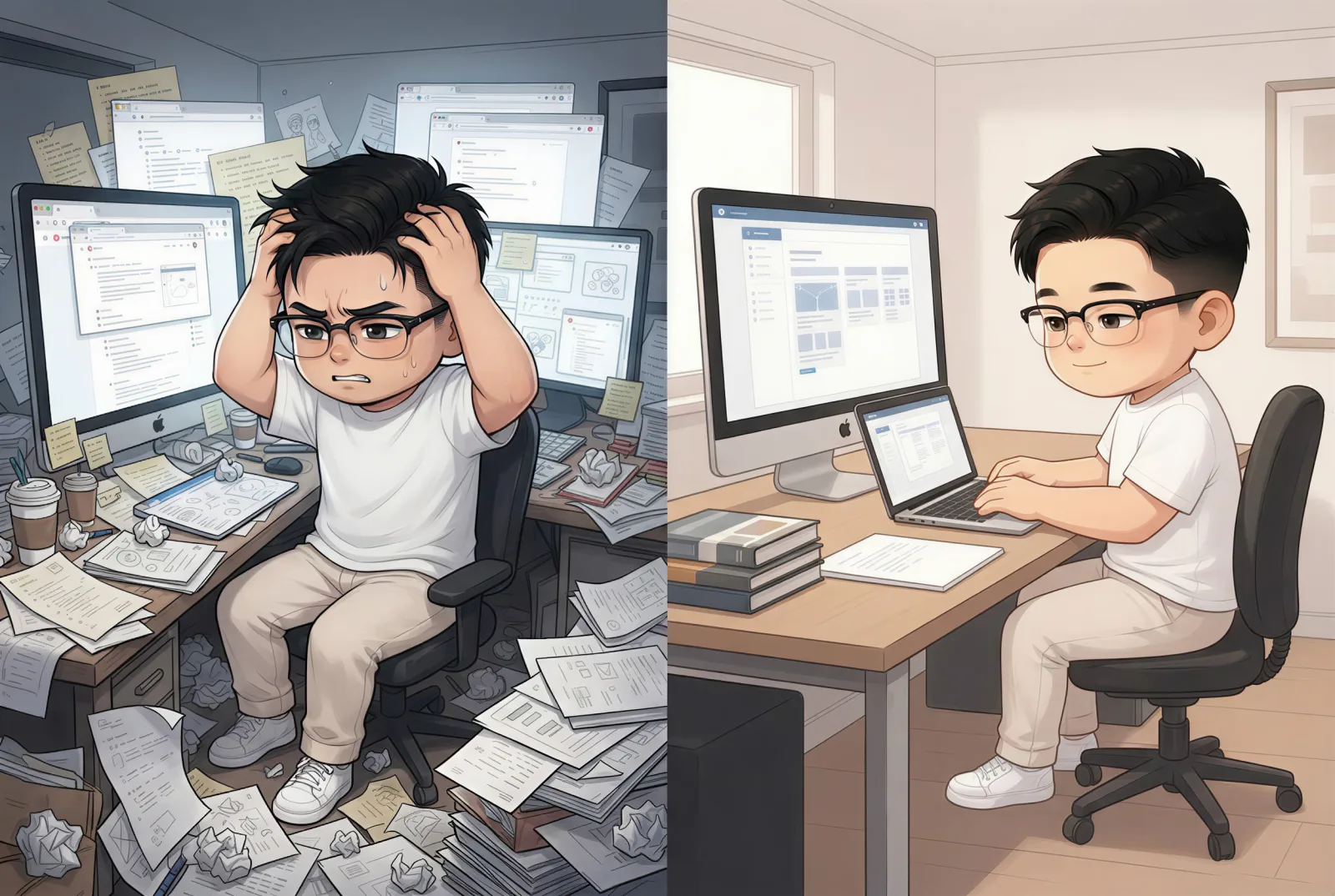
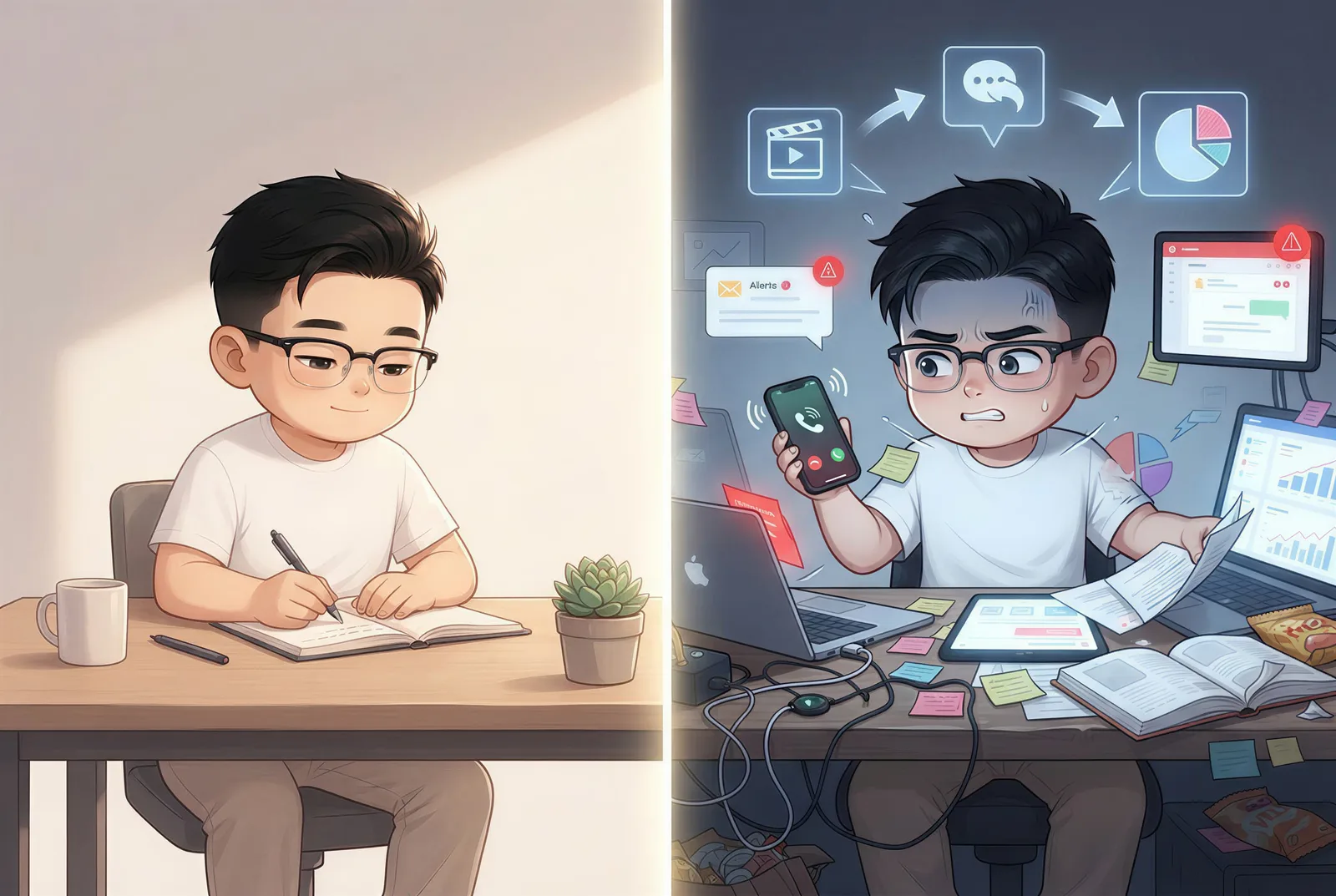
Creating one attractive AI image is easy. Creating three images that clearly show the same person—at different times, in different places, and from different camera angles—is a different problem.
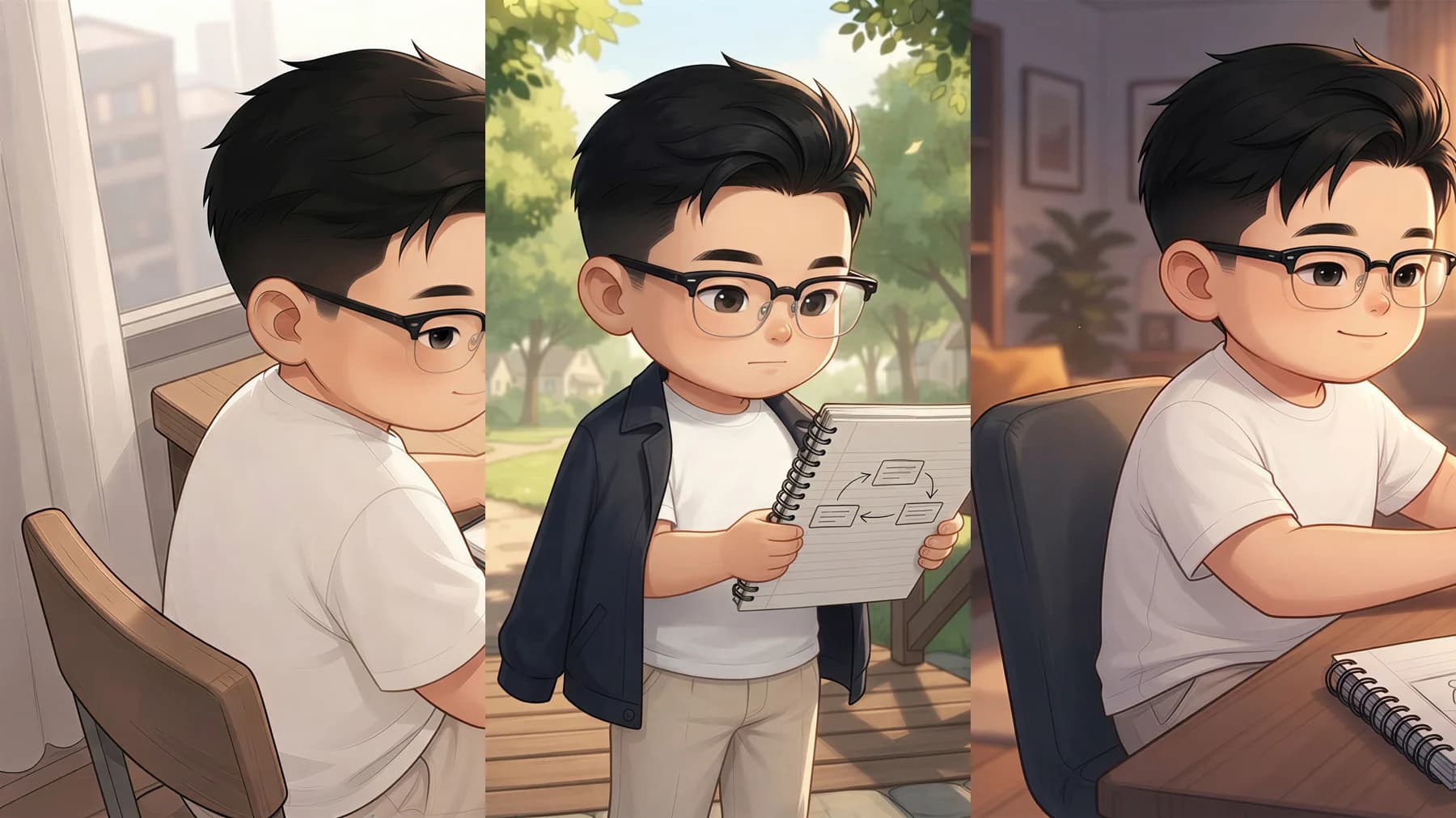
For this test, we used one character identity to illustrate a short article about rebuilding focus across a creative workday. The sequence moved from a morning desk, to a midday walk, and back to the desk in the evening. We generated three initial illustrations, revised one weak composition, and kept the other two untouched.
The final set used 105 NarraTwin credits: 5 for three cognitive anchors, 75 for the initial three illustrations, and 25 for one targeted revision. The result was not pixel-identical—and it should not be—but the character remained recognizable through the full visual story.
What character consistency actually means
Character consistency does not mean copying the same face and pose into every frame. A useful illustrated story needs variation. The camera, environment, lighting, expression, and body language should change with the narrative.
The identity should not.
For a practical test, we looked for five signals:
- The same recognizable facial structure.
- The same black, short hairstyle.
- The same rectangular glasses.
- A compatible wardrobe and overall visual age.
- One coherent illustration style across the series.
This distinction matters. If you optimize only for an identical face, the sequence can feel repetitive. If you optimize only for beautiful individual images, the person may appear to change from scene to scene.
The workflow at a glance
Our process had five steps:
- Lock a reusable character identity.
- Plan all scenes from the complete article.
- Generate the illustrations as one connected set.
- Review identity consistency and scene accuracy separately.
- Revise only the frame that failed its brief.
This is the core idea behind NarraTwin's AI blog image generator: the article provides the narrative context, while a saved Visual Twin provides the stable identity.
Step 1: lock the identity before writing image prompts
We used an existing Visual Twin called KYLE · V1. Its most visible recurring traits were short black hair, rectangular glasses, and a clean editorial illustration style.
This is more reliable than asking a model to reconstruct a person from prose in every prompt. Descriptions such as “a man with black hair and glasses” define a type of person, not a specific person. Each independent generation can interpret that type differently.
A persistent identity reference gives every scene the same starting point. Scene prompts can then focus on what changes: location, action, composition, mood, and light.
Step 2: plan the entire sequence before generating
The source article was 1,983 characters and contained three sections. We turned each section into one cognitive anchor—a short scene plan that described the illustration's purpose before any image was generated.
The planned sequence was:
- Morning: Kyle begins at a wooden desk with a laptop, notebook, pen, and coffee in warm morning light.
- Midday: he takes a walk on a pedestrian bridge while carrying the same notebook.
- Evening: he returns to the desk and uses the ideas gathered during the walk.
Planning the set first prevents a common failure mode: optimizing each image in isolation. The notebook, for example, is not just a prop. It creates continuity between the indoor and outdoor scenes.
The three cognitive anchors cost 5 credits and took about 25 seconds to generate in this test.
Step 3: generate the connected set
We generated one illustration for each anchor with the same Visual Twin selected. The initial batch cost 75 credits and completed in roughly two and a half minutes.
The results already preserved the important identity cues. Across all three images, the character kept the same short black hair, rectangular glasses, facial structure, and editorial rendering style. His clothes changed slightly when the story moved outside, which felt natural rather than inconsistent.
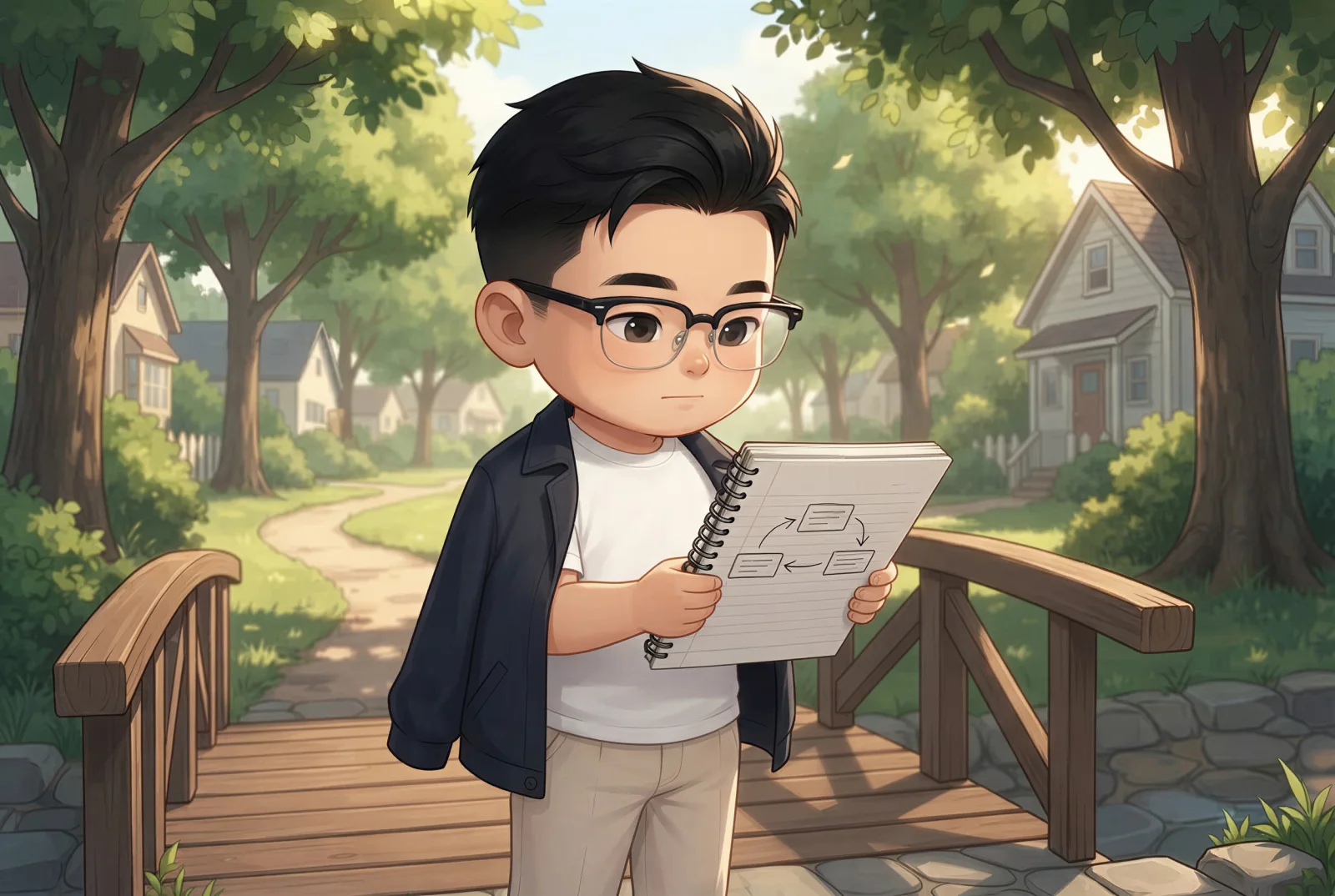
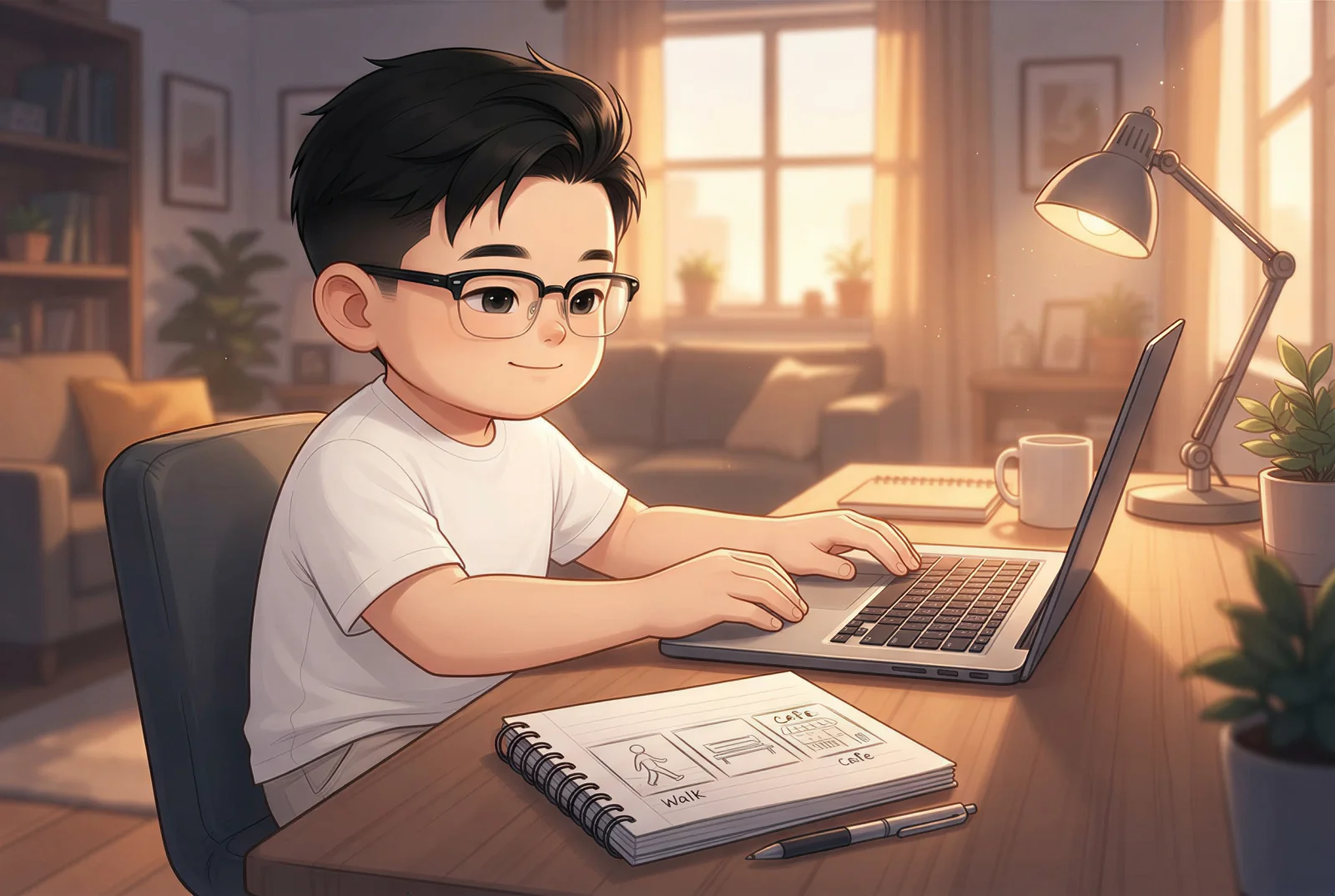
Step 4: score identity and scene accuracy separately
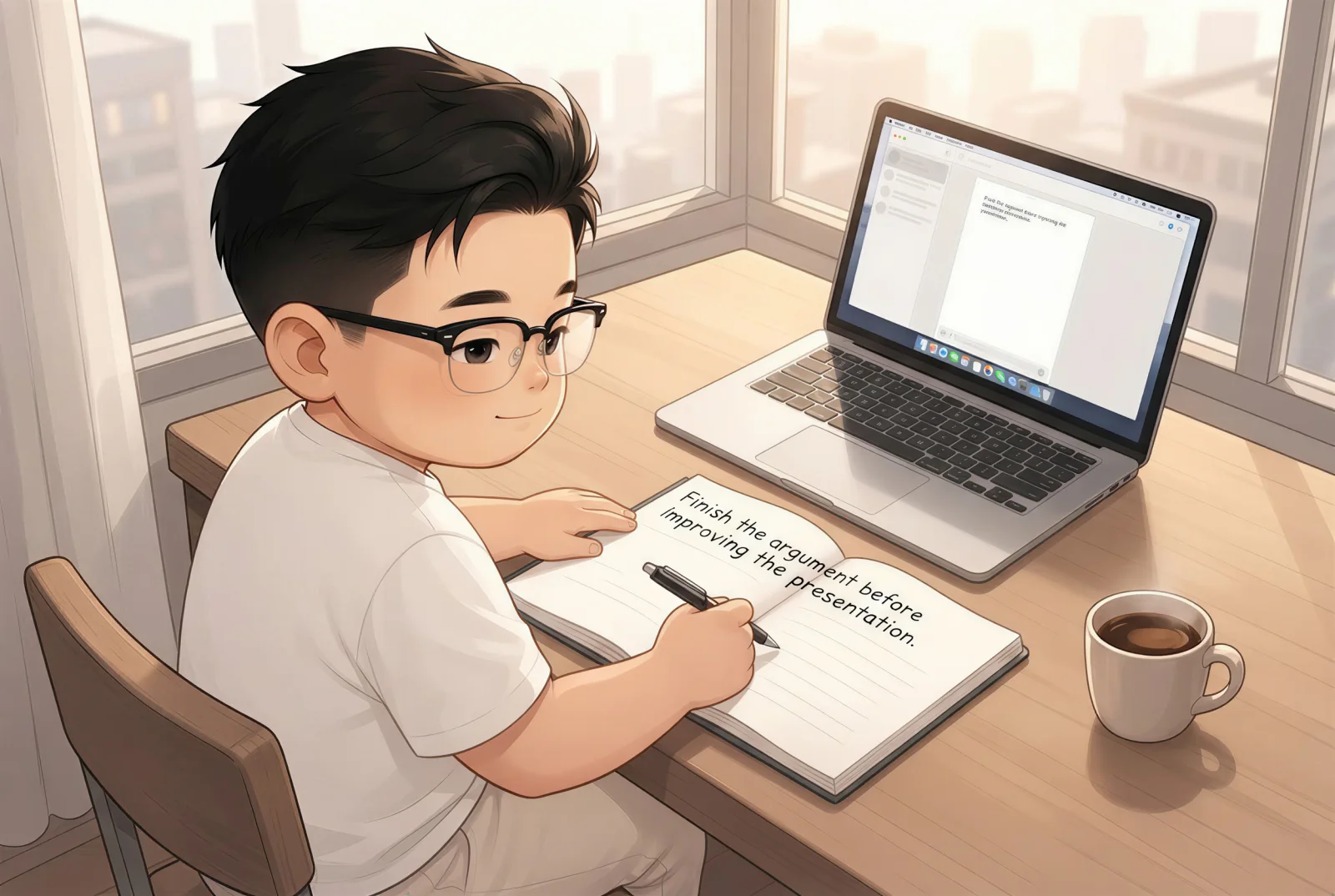
The first batch passed the identity test, but the morning image missed one part of the scene brief. We had requested a noticeably overhead composition. The result looked good, yet the camera stayed closer to an elevated three-quarter view.
That difference is important: a consistent character can still appear in the wrong composition.
We reviewed each frame with two separate questions:
- Identity: Would a reader immediately recognize this as the same person?
- Scene: Does the image communicate the intended moment, action, props, and camera direction?
This simple split makes revision decisions much clearer. The first image did not need a new character or a new art direction. It only needed a stronger camera instruction.
Step 5: revise the weak frame, not the whole series
We revised only the morning illustration with this instruction:
Use a more overhead composition while keeping the same character identity, black short hair, rectangular glasses, white T-shirt, wooden desk, laptop, notebook, pen, coffee cup, and warm morning light.
The revision cost 25 credits and finished in about 30 seconds. Version 2 moved the camera higher while preserving the face, glasses, hair, clothing, props, and warm lighting.
Before: consistent identity, weaker camera angle
After: a more overhead composition without changing the character
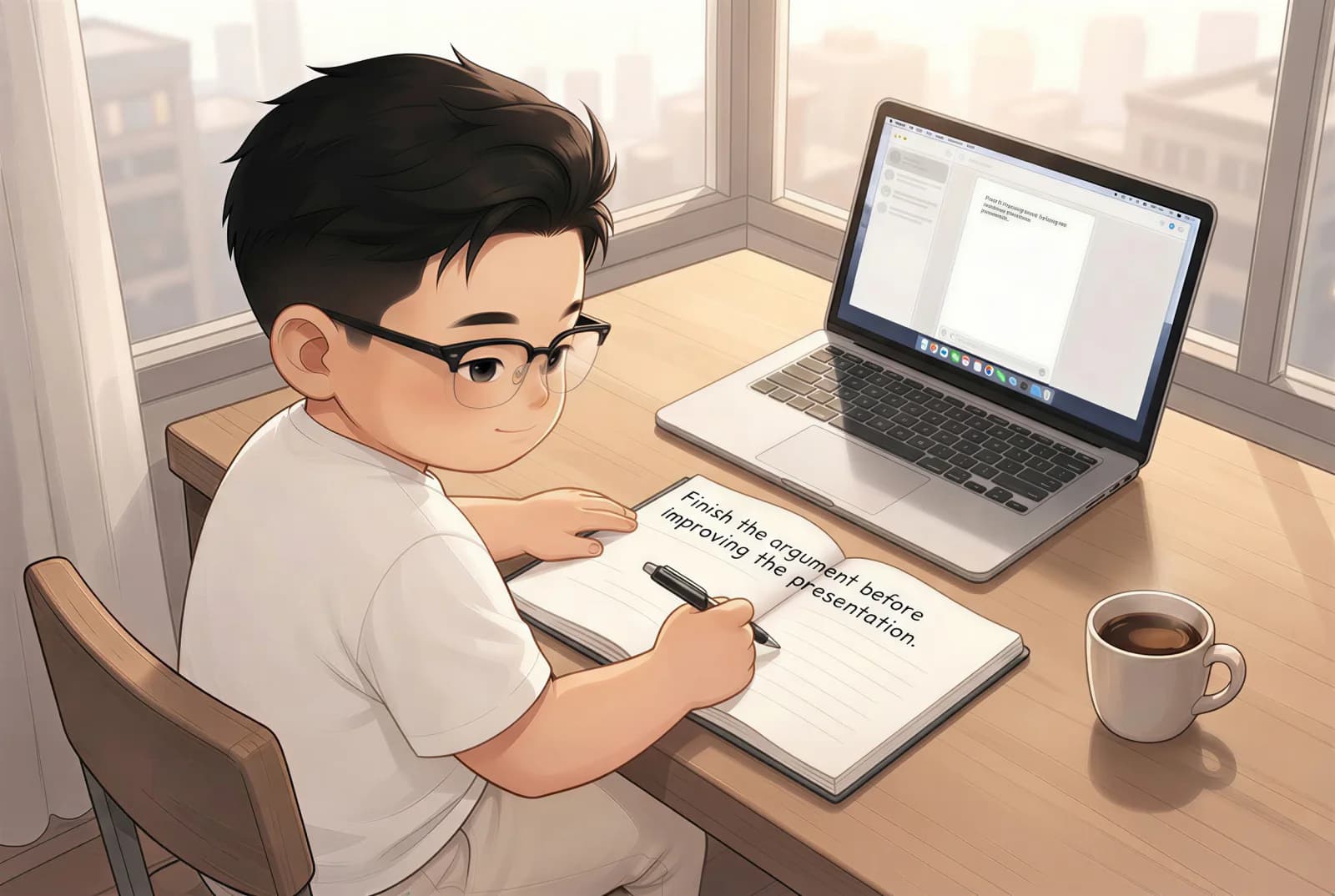
The efficient move was not to regenerate everything. Keeping the two successful frames protected the parts of the sequence that already worked and made the cost of improvement predictable.
Results: what worked and what still needs human review
The final sequence succeeded in the areas that matter most for a blog reader:
- The character is recognizable in all three scenes.
- Recurring details—hair, glasses, facial features, and illustration style—remain coherent.
- Each image advances the article rather than repeating one portrait.
- A single targeted revision improved the weakest frame without disturbing the rest of the set.
There were also real limitations.
First, image models can interpret camera directions loosely. “Overhead” did not produce the intended angle on the first try. Second, small written details inside AI images should not be trusted as accurate typography. Finally, consistency is not a substitute for editorial judgment: someone still needs to decide whether a scene supports the article.
The goal is not fully automatic perfection. It is a workflow in which the model keeps the identity stable enough that the editor can spend time improving the story.
A reusable checklist for consistent AI characters
Before generation:
- Choose one stable identity reference.
- List the visible traits that must survive every scene.
- Plan the complete sequence, including recurring props.
- Describe what changes in each scene instead of redefining the person.
After generation:
- Compare the face, hair, glasses, age, and rendering style across all images.
- Check the scene brief separately: action, environment, props, light, and camera.
- Keep successful frames.
- Revise the smallest possible unit with explicit “change” and “keep” clauses.
- Review any text rendered inside the images before publishing.
Frequently asked questions
How do you keep an AI character consistent across images?
Use the same persistent identity reference for every scene, plan the sequence before generating, and repeat only the identity traits that must remain stable. Then evaluate identity and scene compliance as two separate criteria.
Should every image use the same prompt?
No. Reusing an identical prompt usually creates repetition. Keep the character identity stable, but change the action, location, camera, mood, and lighting to match each part of the story.
Is one reference image enough?
It can be enough for a simple sequence, but the real test is the output. If key traits drift across poses or angles, strengthen the identity reference or use a system designed to preserve a saved character across scenes.
Should you regenerate the full set when one image is wrong?
Usually not. If identity and style are already coherent, revise only the failed frame and explicitly state which details must stay unchanged.
You can apply the same process by starting a new story in NarraTwin: add your article, select a Visual Twin, review the scene anchors, and generate a connected set rather than a pile of unrelated images.